


Tactile switches, as physical input devices, are widely used in modern electronic products, providing tactile feedback when pressed.
They are crucial for applications requiring user confirmation of button operation recognition.
With their compact size and reliable performance, tactile switches have a wide range of applications, from handheld devices to industrial control panels.
This guide will explore the working principles, advantages and disadvantages, key specifications, and common applications of tactile switches.
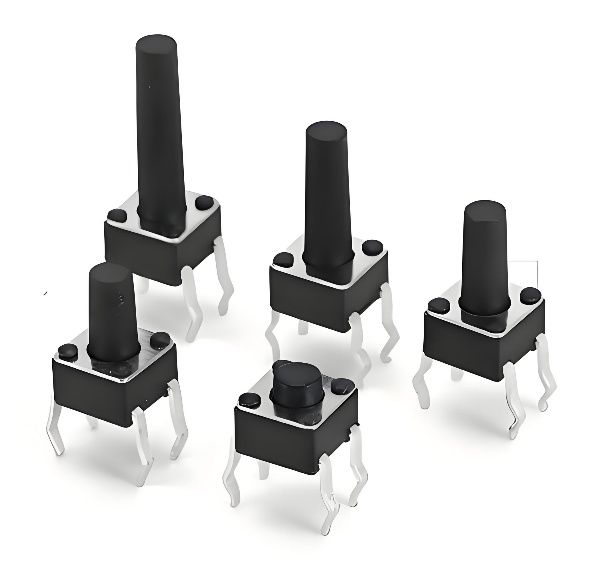
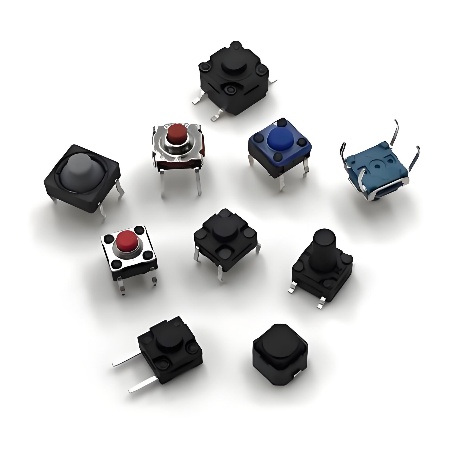
A tactile switch is a widely used type of switch. When a user presses the switch, the circuit is connected, and the user feels a distinct “click” or tactile feedback, indicating that current has flowed.
When the switch is released, the current is disconnected.
A tactile switch is an instantaneous actuation device whose operation is sensed by touch.
This tactile feedback reassures the user that the switch has been activated and a signal has been transmitted. Some tactile switch models on the market disconnect current when pressed and connect current when released.
These switches originated in the early 1980s as membrane switches or screen-printed switches used in keyboards and keypads. Due to their lack of tactile feedback and poor performance, they were quickly rejected until the late 1980s when switch designs with metal domes emerged.
This dome design not only provided tactile feedback but also offered a more reliable actuation mechanism and a longer lifespan. Today, tactile switches are widely used in thousands of commercial and consumer electronic devices as input devices.
How Do Tactile Switches Work?
Tactile switches have a relatively simple yet highly effective internal structure.
Most tactile switches contain the following components:
Housing:
Protects the internal components and helps secure the switch to the circuit board.
Plunger:
The part pressed by the user.
Contact Dome:
A metal dome that bends under pressure, producing a distinctive click.
Base with Contacts:
Contains terminals and fixed contacts that connect the circuit when the contact dome bends.
When the user presses the plunger, the contact dome deforms, connecting the two fixed contacts within the base. Once connected, current flows through the switch, closing the circuit. Releasing the plunger causes the contact dome to return to its original shape, disconnecting the circuit. This action is called instantaneous operation.
Most tactile switches have two configurations:
Normally Open (NO): Current flows only when the switch is pressed.
Normally Closed (NC): Current flows continuously until the switch is pressed, at which point the circuit is broken.
Tactile switches are available in both surface mount (SMT) and through-hole packages, with some products also offering low-profile versions suitable for space-constrained designs.
What Are the Advantages and Disadvantages of Tactile Switches?
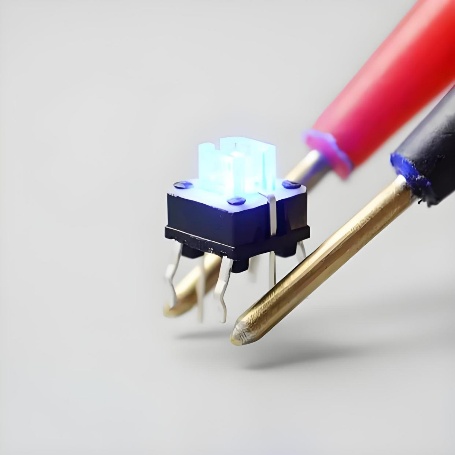
Get a quote for Tactile Switches from bituoelec
Advantages
1. Physical Feedback Enhances Usability
The main advantage of tactile switches is the physical sensation users feel when pressing them. This feedback improves user confidence and helps reduce input errors, especially in keyboards and control panels.
2. Compact and Low-Profile
Tactile switches are very small and suitable for devices where space is limited. Their low profile makes them ideal for slim designs like wearables or handheld electronics.
3. Long Life and Durability
With few moving parts, tactile switches can endure many actuations before wearing out. This longevity makes them reliable in both consumer and industrial settings.
4. Low Cost and Easy Integration
These switches are inexpensive and easily mounted directly to PCBs, reducing assembly complexity and cost.
Disadvantages
1. Limited Electrical Ratings
Tactile switches are generally designed for low voltages and low currents. They are not suitable for switching high power loads.
2. Noise and Vibration Sensitivity
The audible click, while beneficial for feedback, can be undesirable in quiet environments. The mechanical parts can also be affected by vibration if not securely mounted.
3. Environmental Limitations
Standard tactile switches are not sealed against dust or moisture. In harsh environments, you must choose sealed versions to protect the internal mechanism.
Tactile Switch Specifications
Understanding key specifications helps designers choose the right switch for a given application.
Below are common parameters to consider:
Voltage Rating:
Maximum voltage the switch can handle safely. Tactile switches are typically rated for low voltages.
Current Rating:
The highest current the switch can carry without damage. Tactile switches usually handle low current levels.
Operating Force:
The amount of pressure required to activate the switch, usually measured in gram force (gf).
Travel Distance:
How far the actuator moves when pressed.
Contact Resistance:
Indicates how much resistance the switch adds to the circuit, affecting signal integrity.
Lifecycle (Actuation Life):
The expected number of press cycles before failure.
Temperature Range:
Operational temperature limits that ensure reliable performance.
Mounting Style:
Surface mount vs. through-hole, depending on assembly needs.
IP Rating:
A rating that indicates resistance to dust and liquids, relevant for sealed tactile switches.
These specifications directly affect how a switch behaves in different environments and use cases.
What Are Common Tactile Switch Applications?
Tactile switches find use in a wide range of electronic products and systems because of their size, reliability, and feedback properties.
Typical examples include:
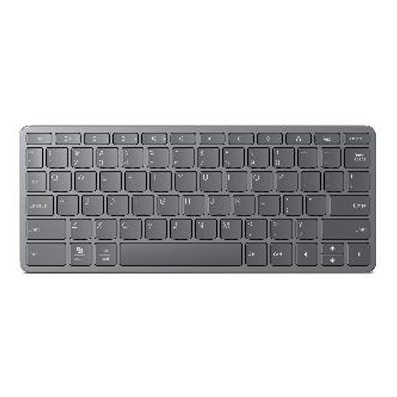
Keyboards and Keypads:
Many laptop and portable keyboards use tactile switches under each key for responsive typing input.
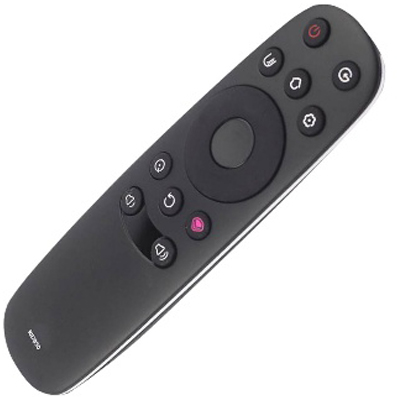
Remote Controls:
Buttons on remote controls often rely on tactile feedback to confirm function changes.
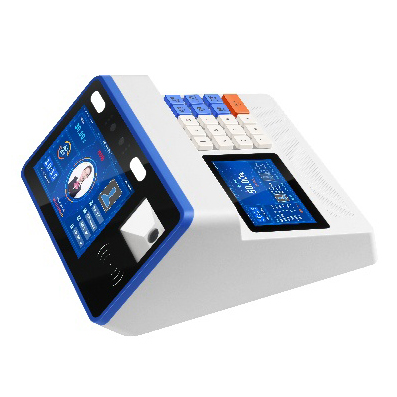
Consumer Electronics:
Devices like game controllers, digital cameras, and audio equipment use tactile switches for menu navigation and control.
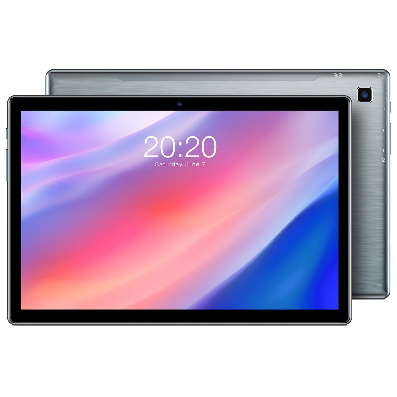
Phones and Tablets:
Power, volume, and function buttons use tactile switches for reliable user interaction.
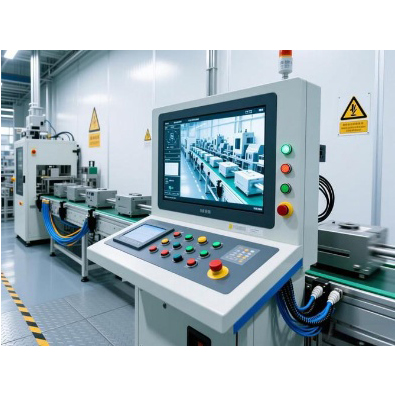
Industrial Controls:
Tactile switches are featured on control panels for machinery due to their durability and clear feedback.
Automotive Dashboards:
Controls for audio, climate, and navigation systems often use tactile switches for intuitive user feedback.
Medical Devices:
Equipment that requires precise user input, like monitoring systems, often integrates tactile switches.
Portable and Wearable Devices:
Their low profile and small footprint make tactile switches ideal for compact, battery-powered gadgets.
Conclusion
Tactile switches are the ideal choice when products require low-power, instantaneous power control or data input, and need haptic and auditory feedback. BITUO ELECTRIC offers a range of tactile switches characterized by their compact package, diverse trigger heights, and multiple configuration options.
Our products range from miniature to 12.4mm square tactile switches in various styles. Backlit, non-backlit, and some even include button caps, in shapes including round, square, rectangular, and oval. BITUO ELECTRIC offers a wide range of miniature switches to meet the needs of virtually all compact products developed for the wearable and handheld technology markets.